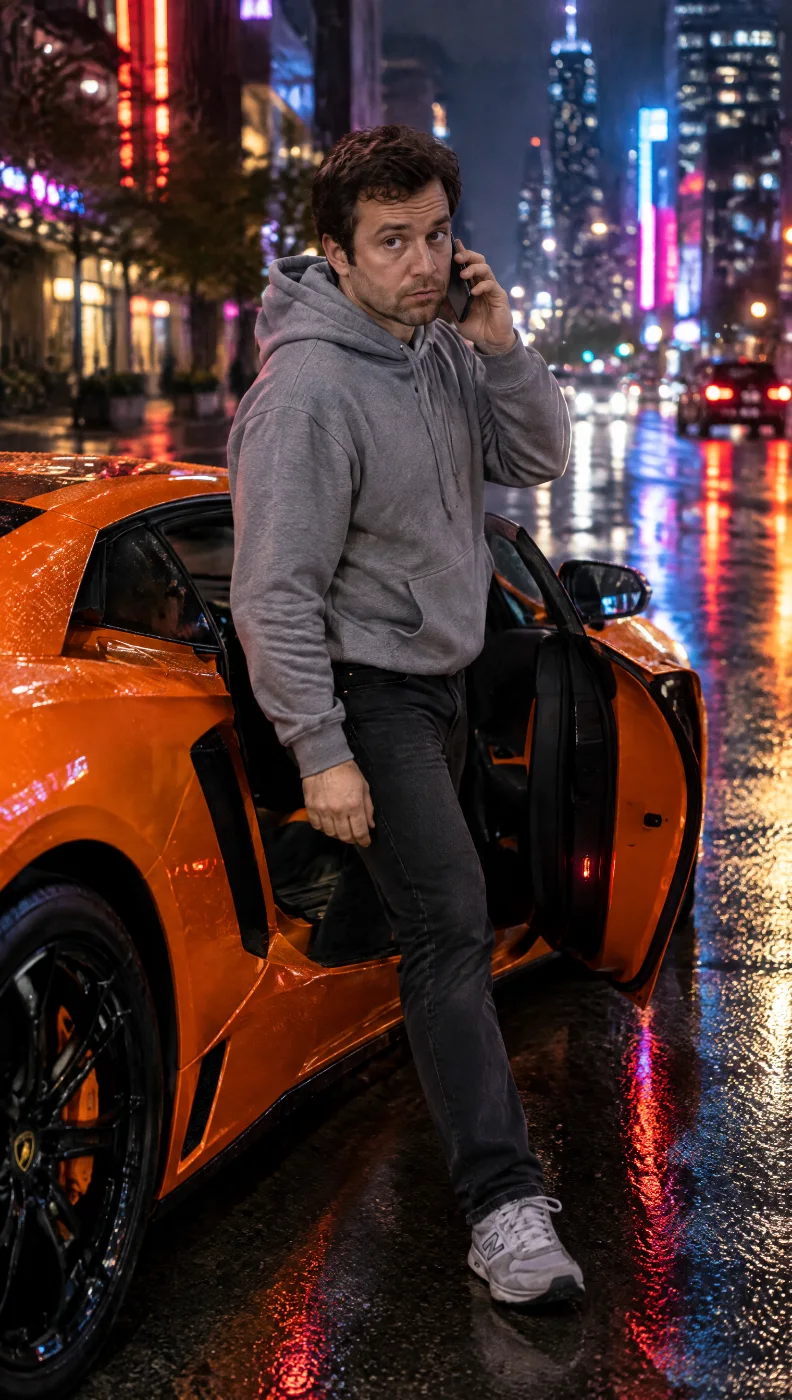
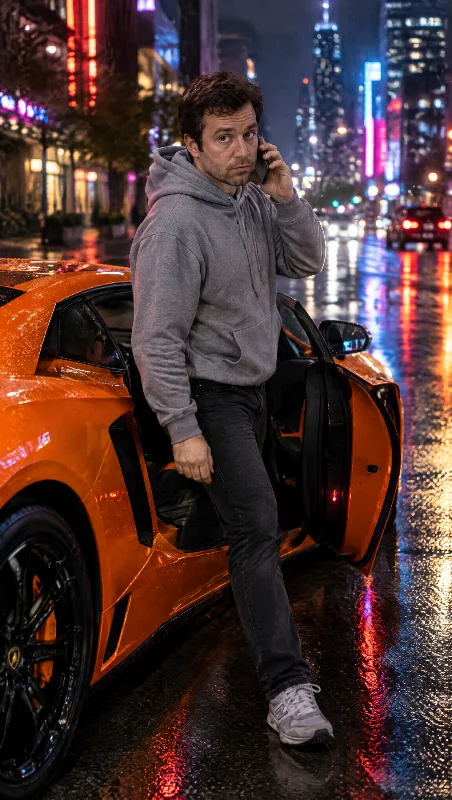
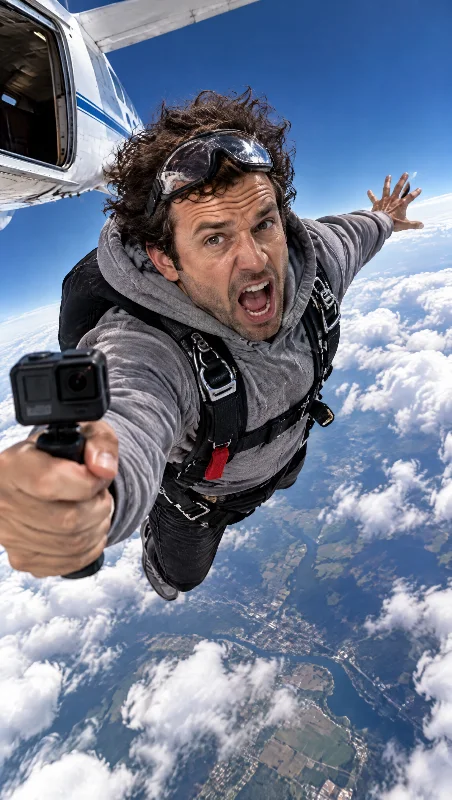
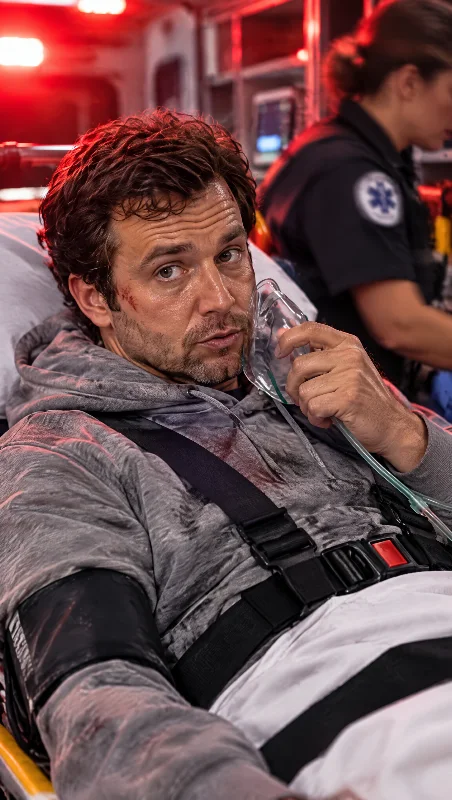
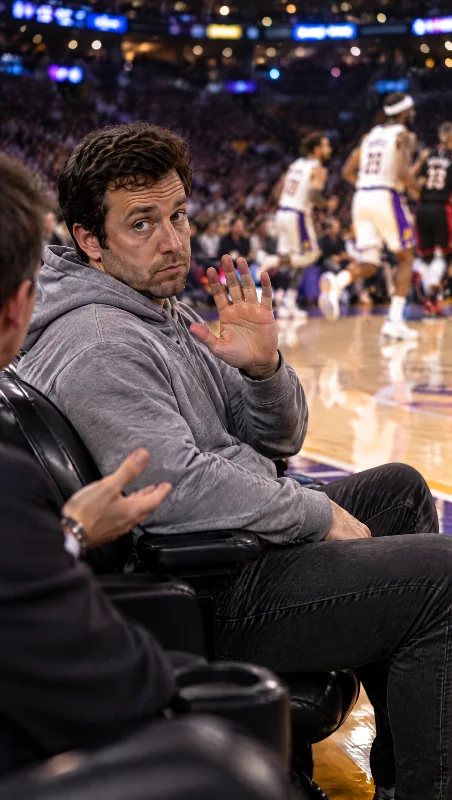
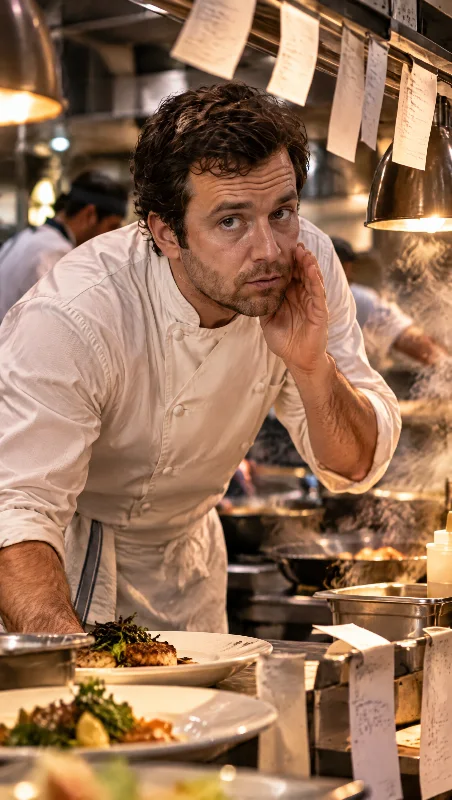
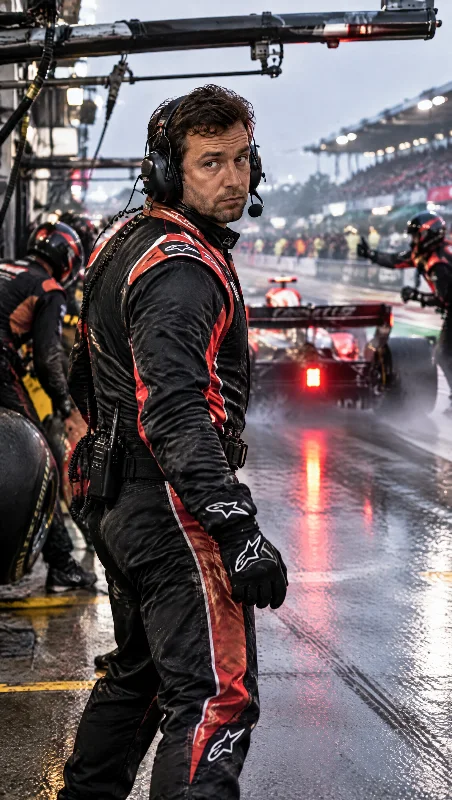
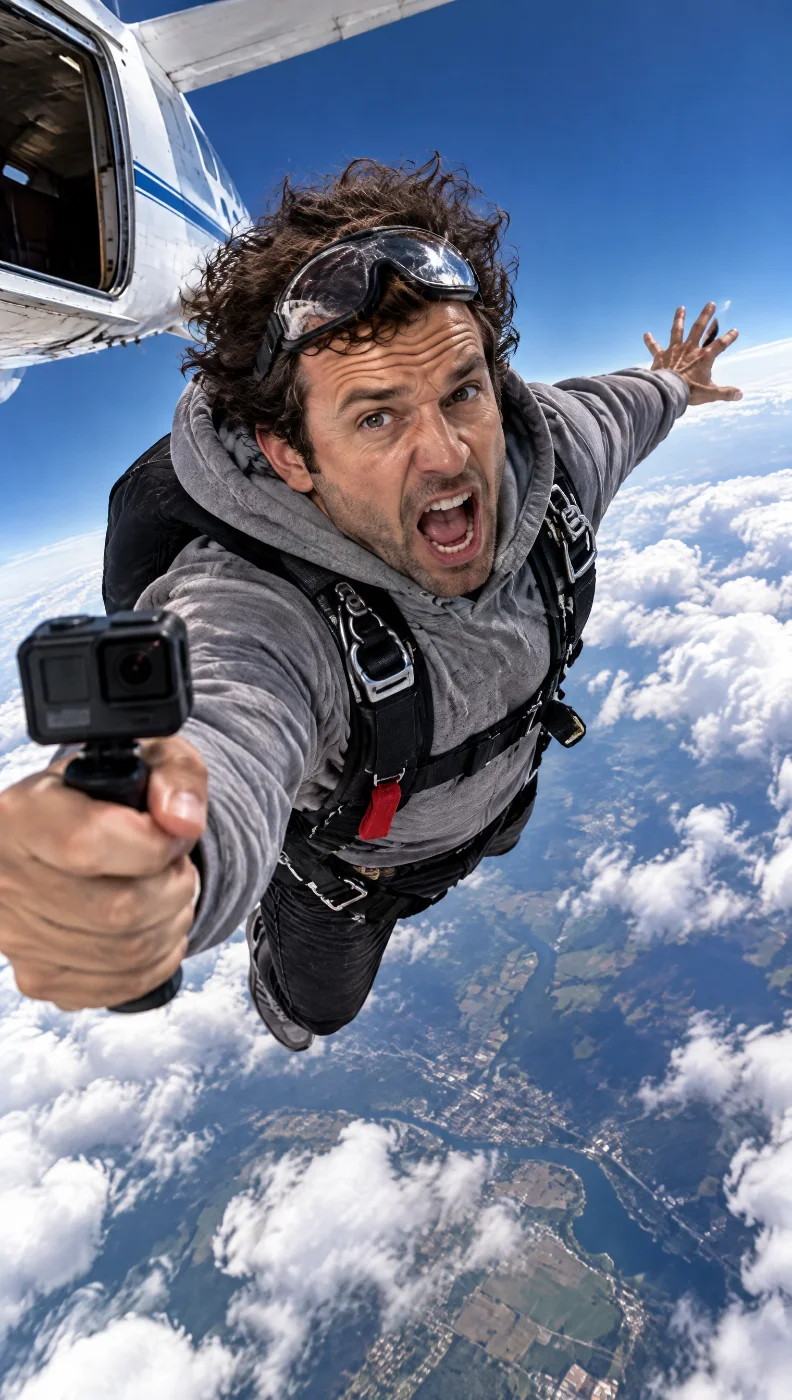
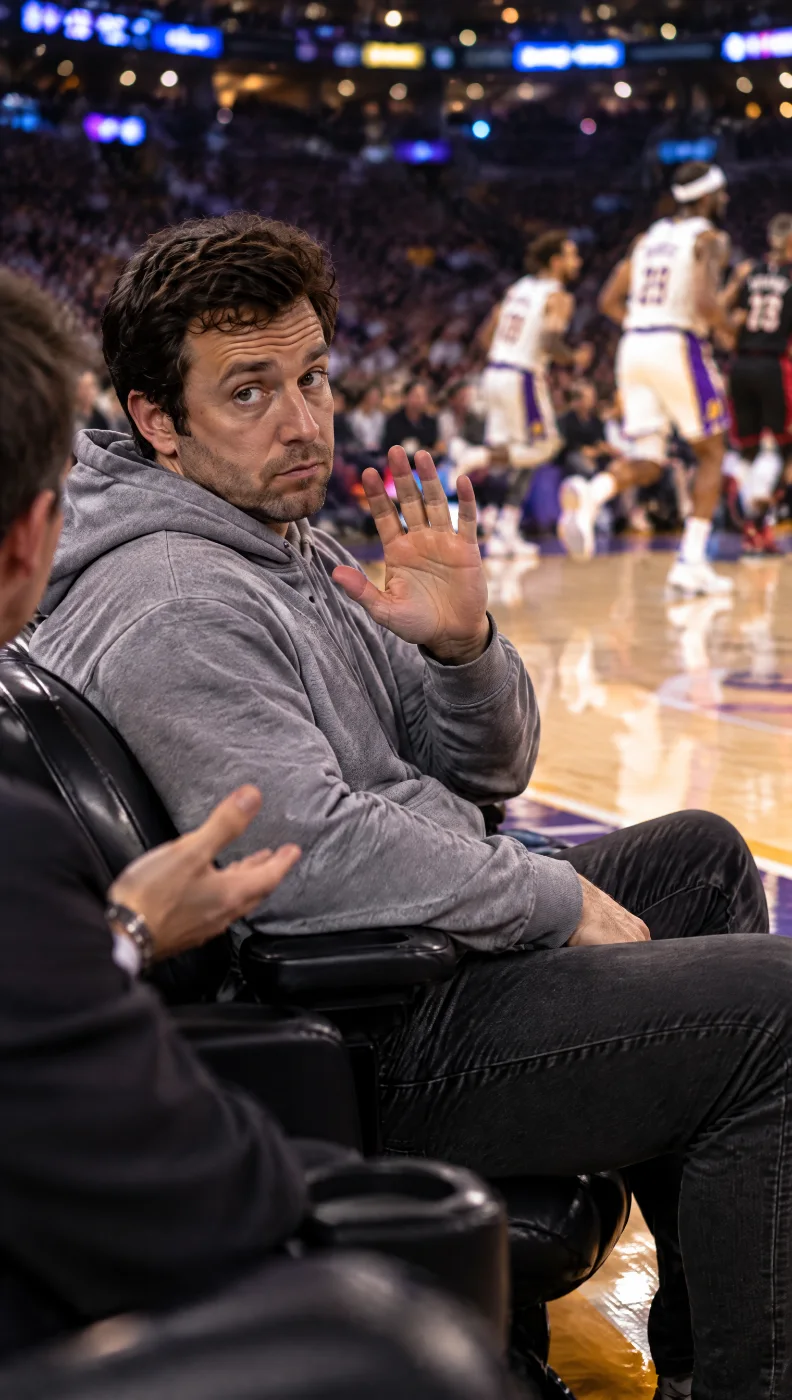
Length, look and camera are the scene's. 8 or 15 seconds, 9:16, written and timed before you arrive.
A scene. A face. A line.
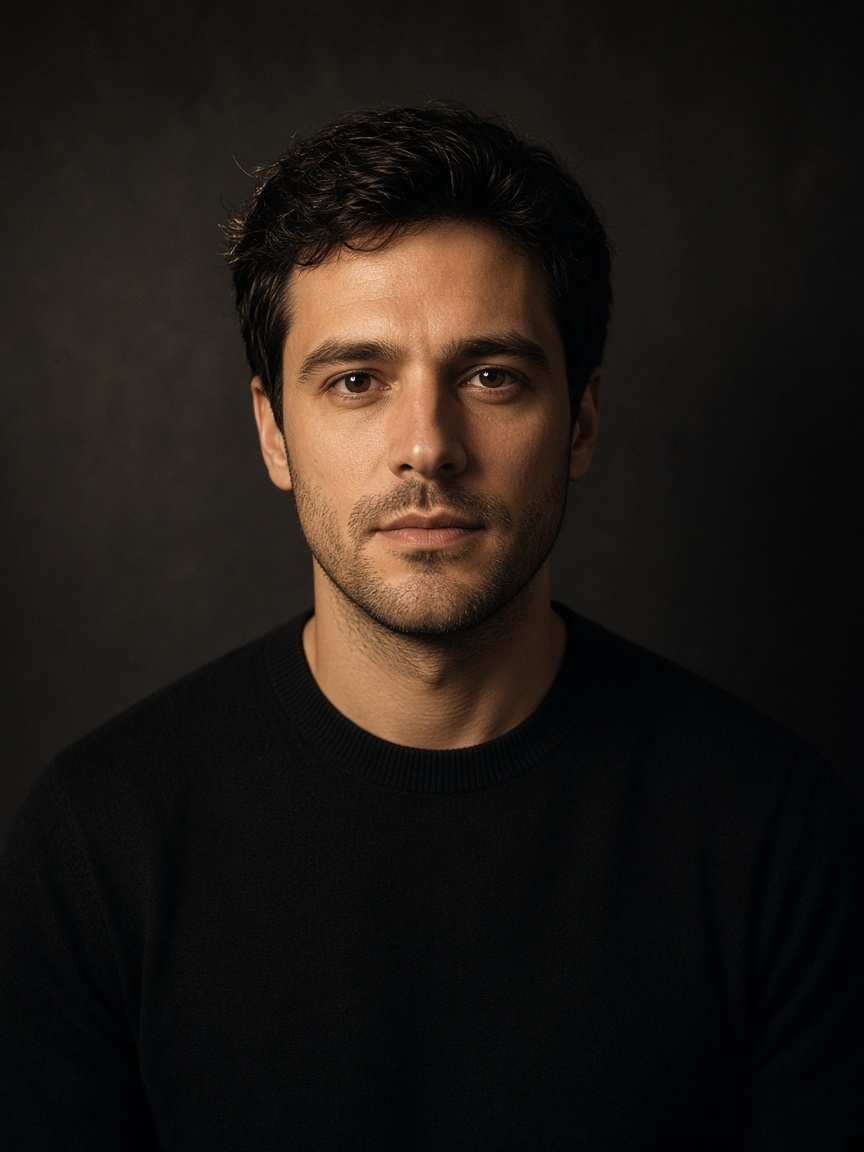
The grid on the right is the scene picker. Pick one and the left column asks for exactly three things: your photo, the line you say to camera, and — if the scene wants it — your voice. Resolution and Quality carry their own price.
Studio shown for illustration. Click Change to go back to the grid; switch Resolution and Quality to see the ladder. Credit numbers are illustrative — the live ladder comes from the vendor.
Some scenes
want a voice.
A whisper over the crowd, a shout over the wind. The scene says what it wants, once; record in the browser or upload up to fifteen seconds. Or let the scene's own voice carry it.
whisper · Lamborghinishout over wind · Skydivenear-whisper · Courtsideshout over engines · Pit lanescene's own · Ambulance, Kitchen pass
- 1
Suggested, not required
A suggested scene shows an accent hairline and its stage note once — “This one wants a whisper.” — and never repeats it.
- 2
Record or upload
Record in the browser with a 3-2-1 and a live meter, or upload a clip. Fifteen seconds is the cap; the clock counts up to it.
- 3
Or the scene's own voice
Ambulance and Kitchen pass work either way. Remove a take and the scene's voice takes over — nothing else changes.