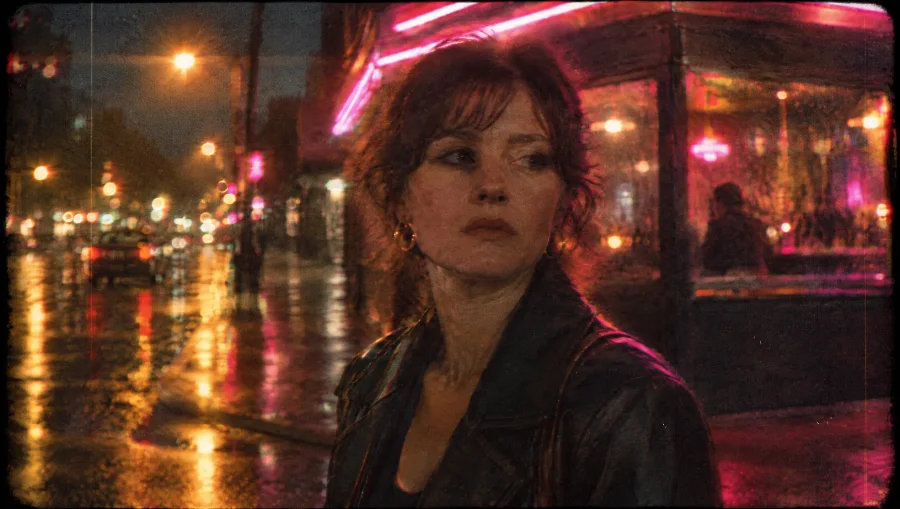
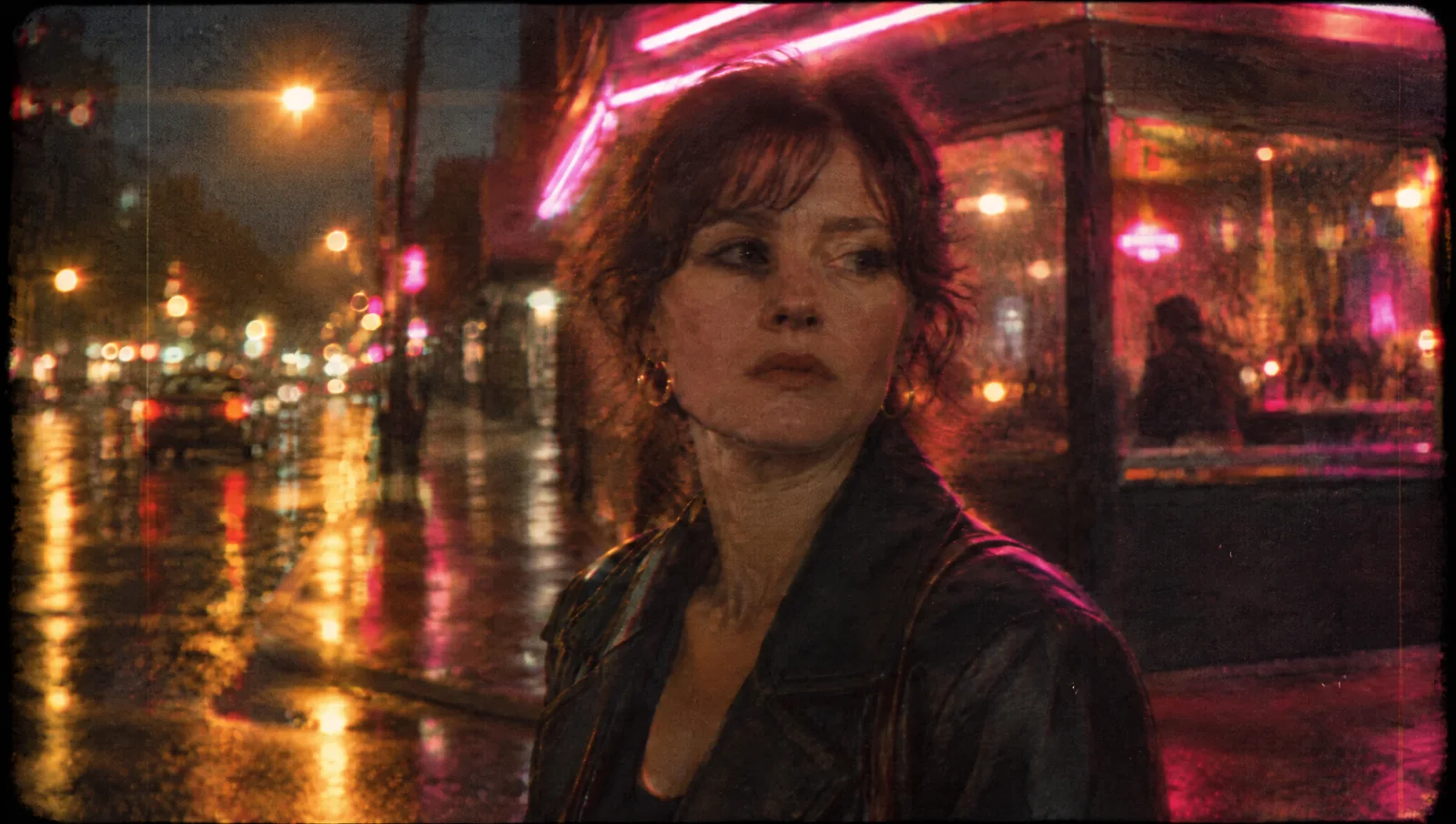
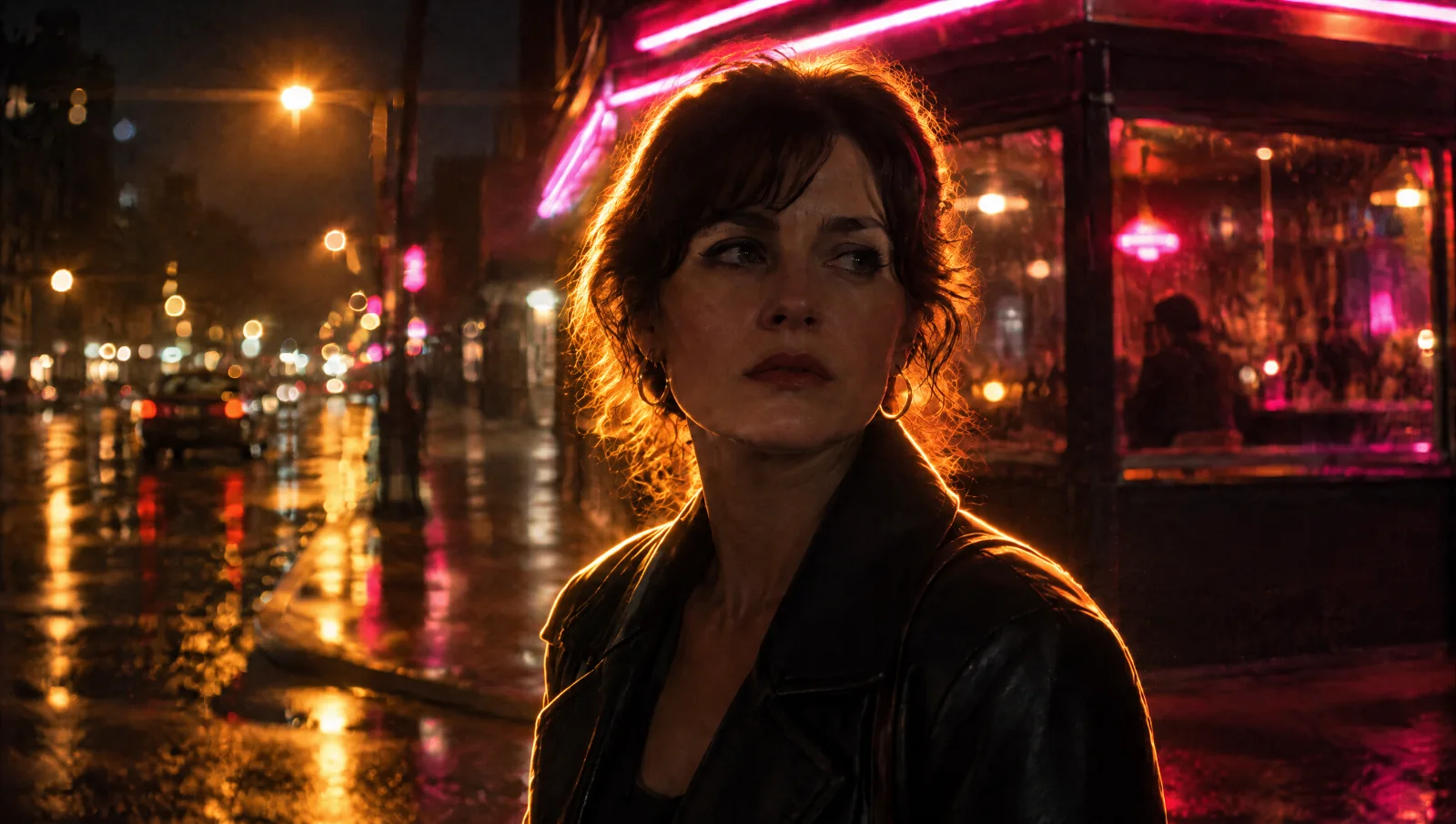
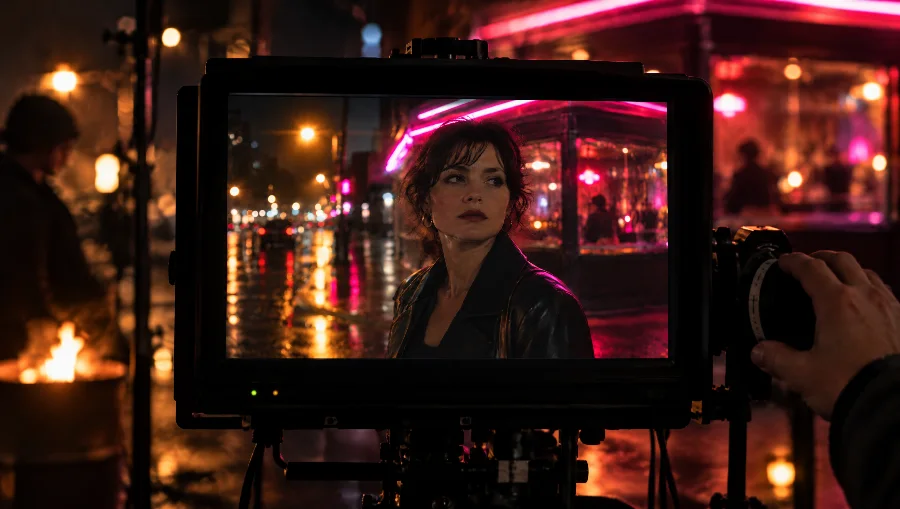
Every Generate button carries its cost — ⚡ 60 for five seconds at 1080p — and the number you see is the number charged.
Set the film, then type.
Five setup chips sit above the prompt. Every one of them starts on Auto, and every one of them changes the take.
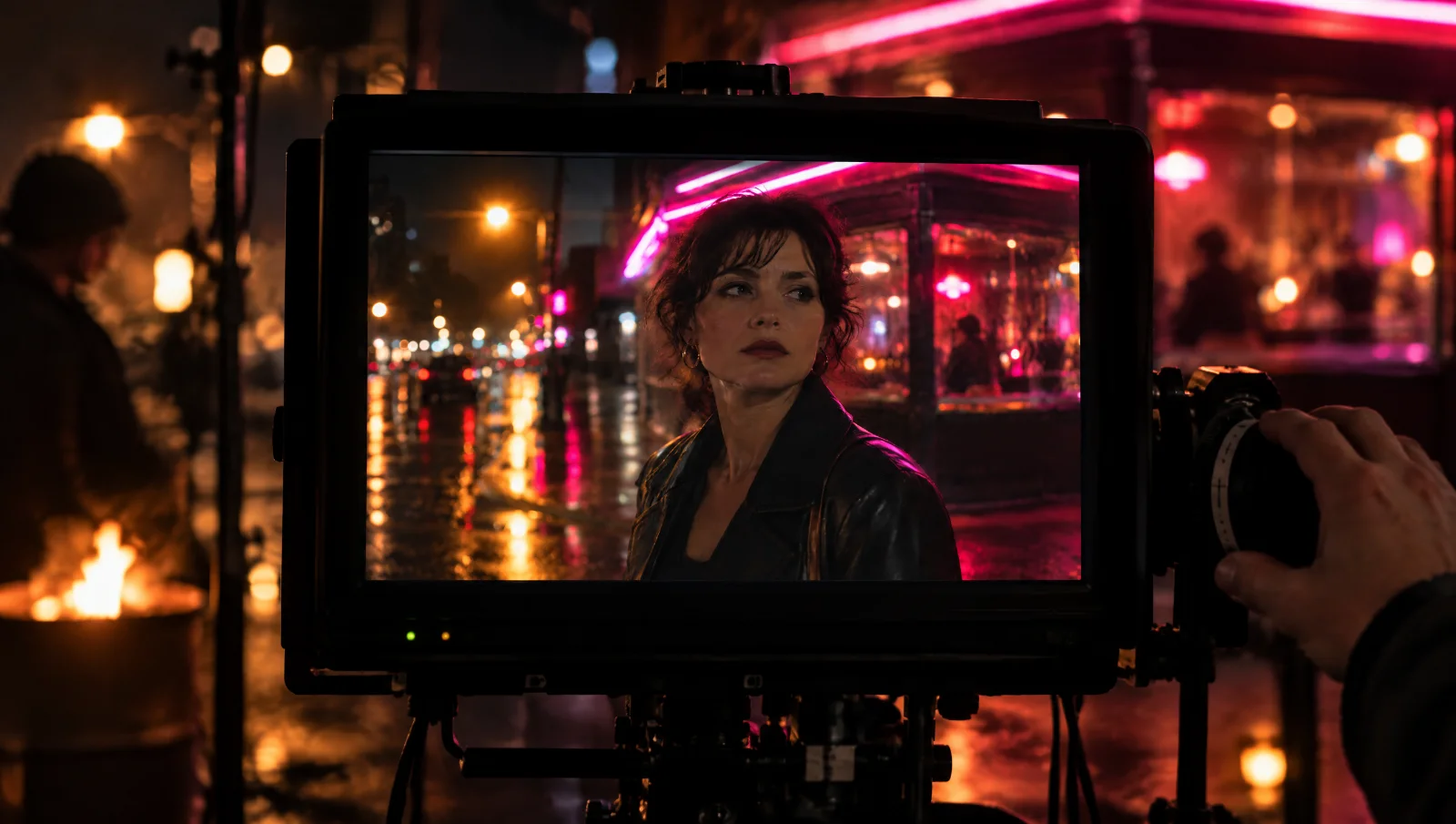
Studio shown for illustration. Click a chip to change the setup.
Cast anyone
from your vault.
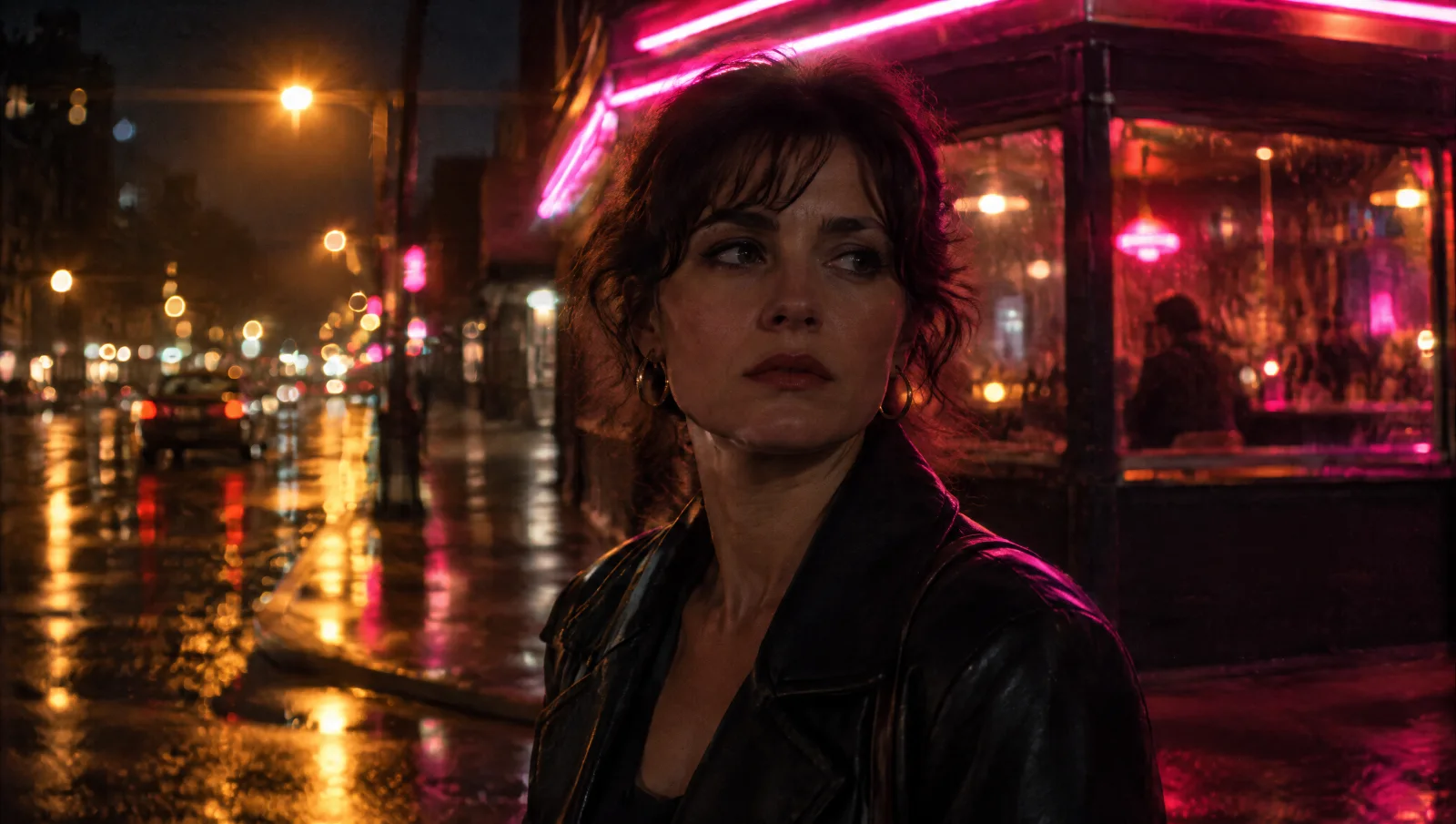
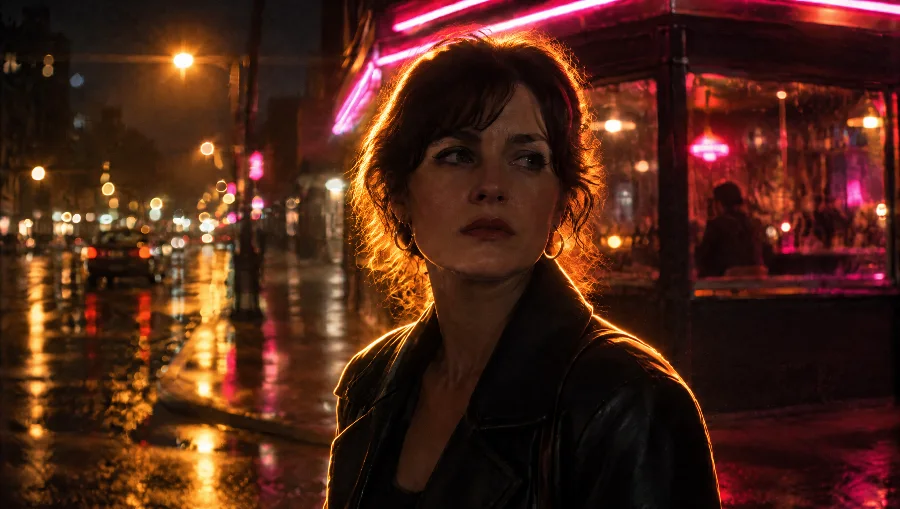
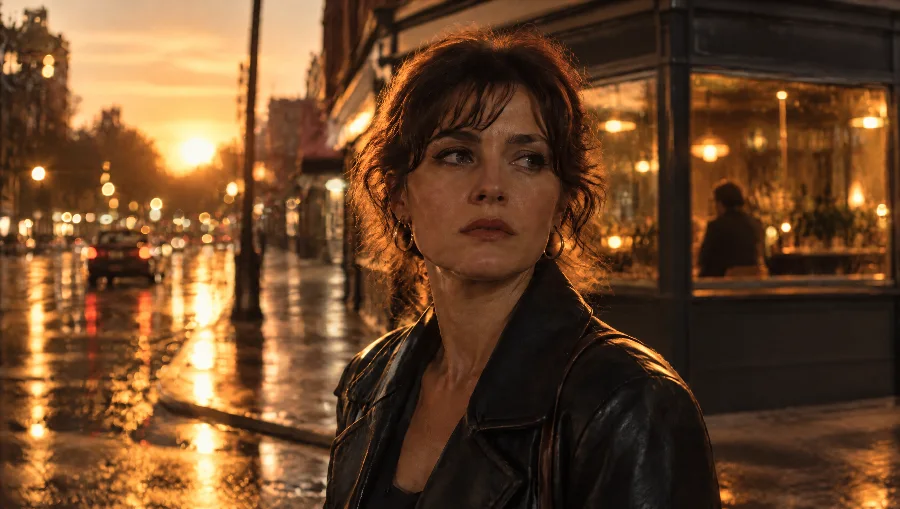
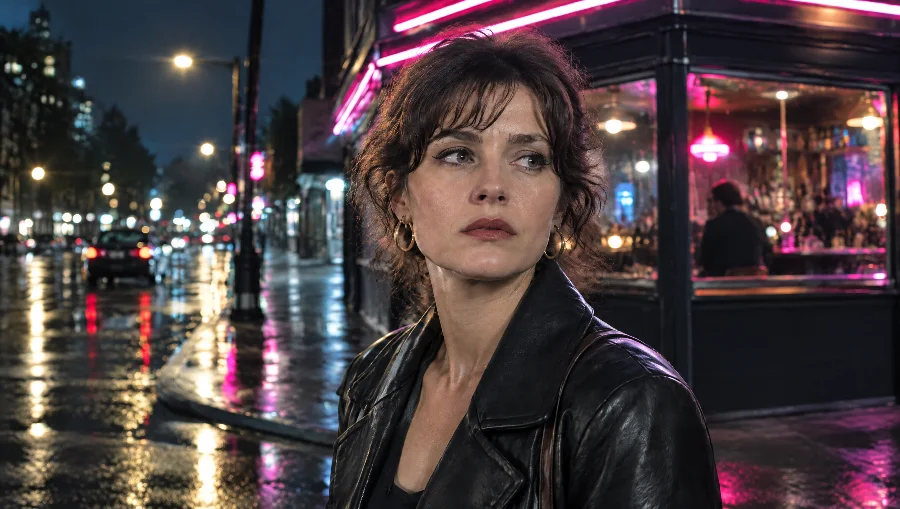
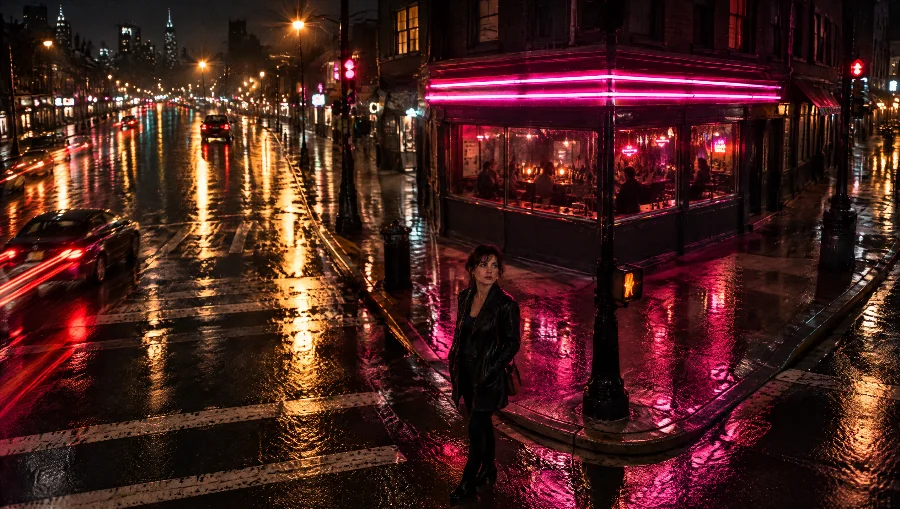
Type @ and your twin, your characters and your locations appear. The same face in every take, never a drift.
@Mara@Corner Bar@Harbour at dusk@The Lease set@Oliver@Studio B
- 1
Type @ in the prompt
Your twin, saved characters and locations appear as you type. Pick one; it's pinned to the take.
- 2
Set what matters, leave the rest on Auto
Five chips above the prompt. Change one or all five; Auto reads the rest off the words.
- 3
Generate — the price is on the button
⚡ 60 for a five-second take at 1080p. Regenerate, extend, or send it to Series as episode one.