
Skip to content
Motionbar
Sign inOpen Marketing
Shoot with the twin · Marketing

Six product formats
from one upload.

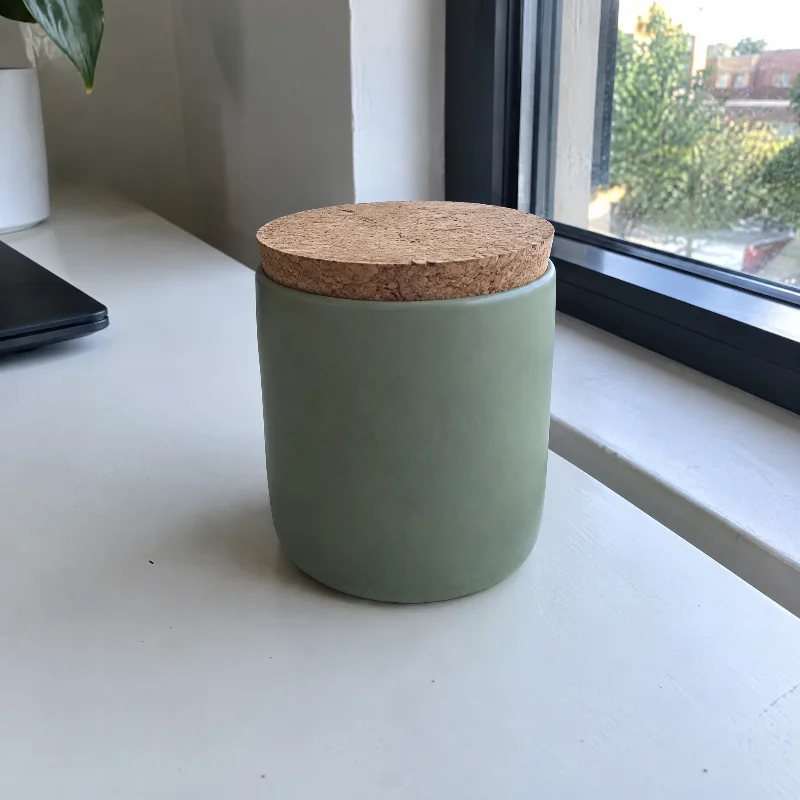
Catalogue to editorial, packshot to billboard. Upload the product once and take it everywhere it has to appear.

Your upload→Product shotAdsMarketplaceBillboardUGCMotion
Open Marketing One product photo. Every placement it needs.

Pick a style. Drop a product. Generate.

Marketing Studio is a wall of styles grouped by the job — Product shot, Ads, Marketplace for stills; UGC and Motion for clips. The dock at the bottom holds the product, the twin where a style wants one, and the price.

›Marketing⚡ 240
Marketing Studio
Turn any product into ready to post content
Product shot · Studio white
Product Catalogue packshot. Keep the uploaded product identity exact. Generate ⚡ 12Still · 1:1 · 2k

Studio shown for illustration. Filter by category, pick a style; on Motion the dock grows a Take row and a length chip.

Six formats. One SKU.

Product shot, Ads, Marketplace, Billboard, UGC and Motion. The same object, lit like it matters, sized for where it will actually run.

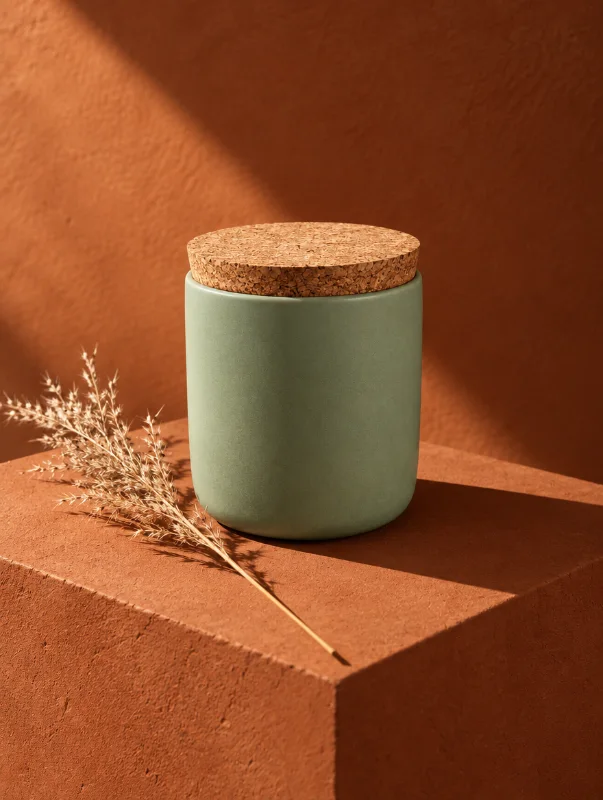
Product shot

Catalogue to editorial

The same object, lit like it matters.

Ads

Social-ready layouts

Sized for the places that will actually run them.

Marketplace

Listing packshots

Meet the rules without a lightbox.

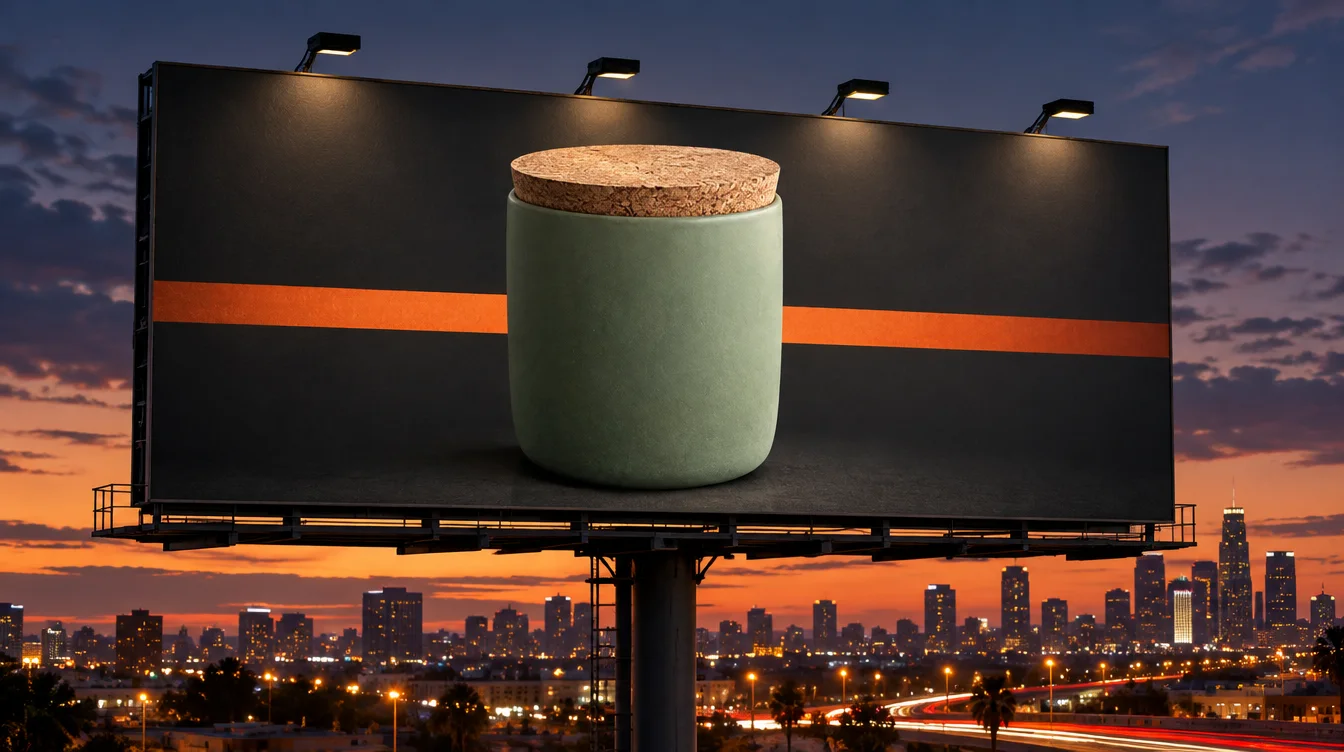
Billboard

Pick a layout

Drop your product in; the composition is built around it.

UGC

Phone-shot creator energy

For the product, without booking a creator.

Motion

Product-as-hero movement

For the placements that want a clip rather than a still.

Input

One upload

Keep the uploaded product identity exact — every recipe says so.

Quote

Live from the vendor

Credits are quoted before you spend any.

Product shot

Catalogue to editorial

The same object, lit like it matters.

Ads

Social-ready layouts

Sized for the places that will actually run them.

Marketplace

Listing packshots

Meet the rules without a lightbox.

Billboard

Pick a layout

Drop your product in; the composition is built around it.

UGC

Phone-shot creator energy

For the product, without booking a creator.

Motion

Product-as-hero movement

For the placements that want a clip rather than a still.

Input

One upload

Keep the uploaded product identity exact — every recipe says so.

Quote

Live from the vendor

Credits are quoted before you spend any.

Pick a template. Upload your product. Generate.

Billboard runs on a live catalogue of layouts. The template is a style, not a picture — you supply the photograph.

Browse the wall. Every layout comes from Higgsfield's live catalogue, grouped by the job the ad has to do. Or take No template and write the whole thing yourself.

Live catalogueGrouped by jobNo template
TemplateRoadside · Billboard · 16:9Take 1 · 0:05
Billboard

A layout,
built around it.

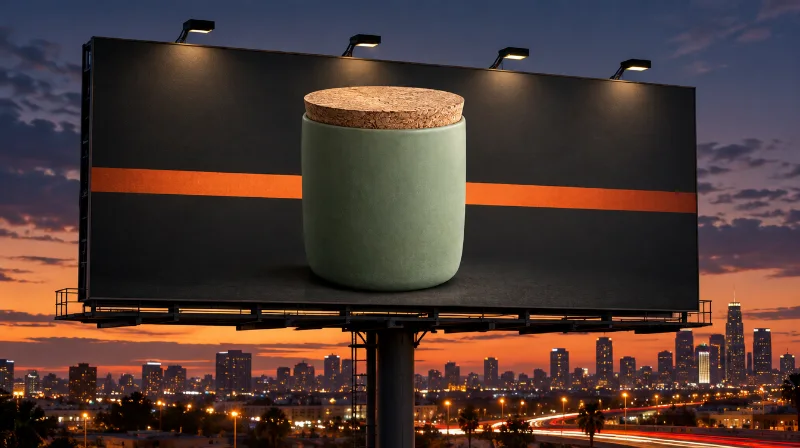
Pick a layout from the wall, drop your product in, and the composition is built around it. Add your twin or any face from the vault. Or take No template and write the whole thing yourself.

Layouts from the live catalogue, grouped by job. Tabs across the top; a No template well first.

BillboardBillboard
Pick a template from the grid on the right, then upload your own product photo.
All 24Billboard 9Social 8Retail 7My work
✎ No templateDirect mode — your prompt builds the image, or add images and it edits them.
Roadside16:9Transit9:16Storefront1:1Editorial3:4Split9:16Wall16:9
The wall: live catalogue layouts, grouped by job. A No template well sits first.

Nine shapes.
Three prints.

Aspect follows the template on Auto, or pick from 1:1 to 21:9. Print at 1k, 2k or 4k — 2k is the default. Credits are quoted live from the vendor before you spend any.

Auto · follows the template1:1 · 3:2 · 2:3 · 4:33:4 · 16:9 · 9:16 · 21:9Print 1k · 2k · 4kQuoted live
  1. 1

    Aspect

    Auto follows the template. Or pick one of nine shapes — 1:1 through 21:9 — for the placement that will run it.

  2. 2

    Print

    1k, 2k or 4k. 2k is the default and enough for almost every screen; 4k for print.

  3. 3

    Quoted live

    Billboard asks the vendor for the price before you press Generate. The number on the button is the number you pay.
Quoted live.
Then rendered.

Three things the Marketing floors promise about the product you upload.

Identity stays exact

Every recipe carries the same line: keep the uploaded product identity exact. Labels, packaging, colour.

Sized for the placement

Marketplace packshots meet the rules. Ads come in the shapes that run. Billboard follows the template.

Quoted before you spend

Billboard credits come live from the vendor. Marketing Studio prices sit on the button as you change the style.

One product photo. Every placement it needs.

Open Marketing
Same twin, different studio? See all fifteen →